LinkedIn & Instagram
A week of posts, already in your voice.
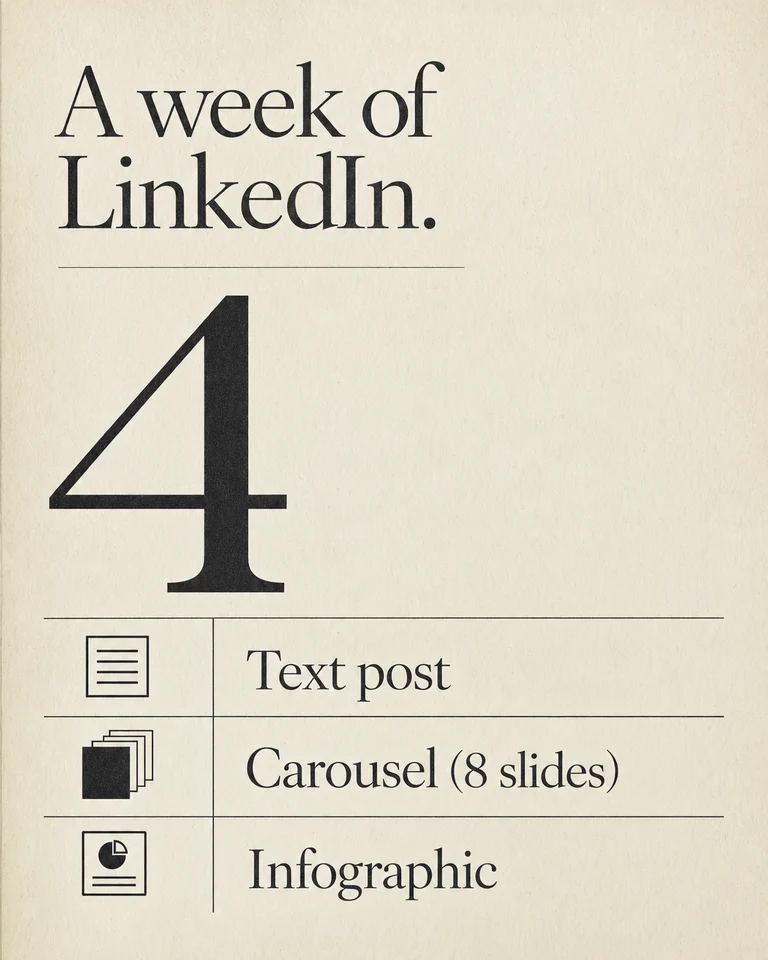
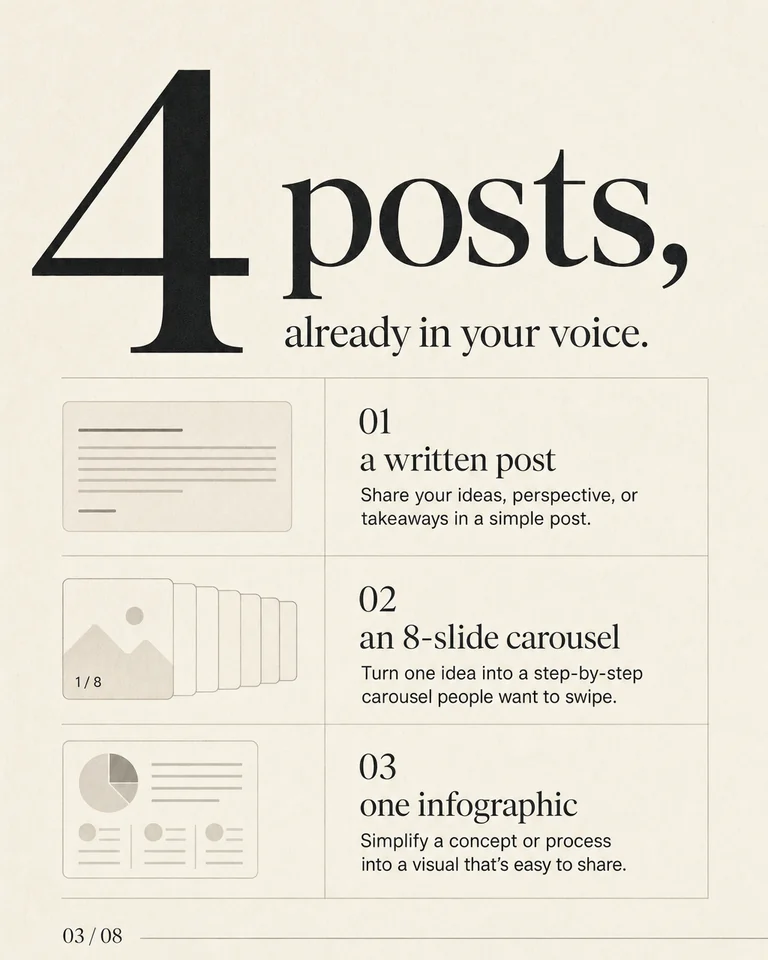
A carousel, a text post, an infographic — already in your voice, already designed at 4:5. Open them. Copy the caption. Download the PDF.
Your email is the account. New here is fine.

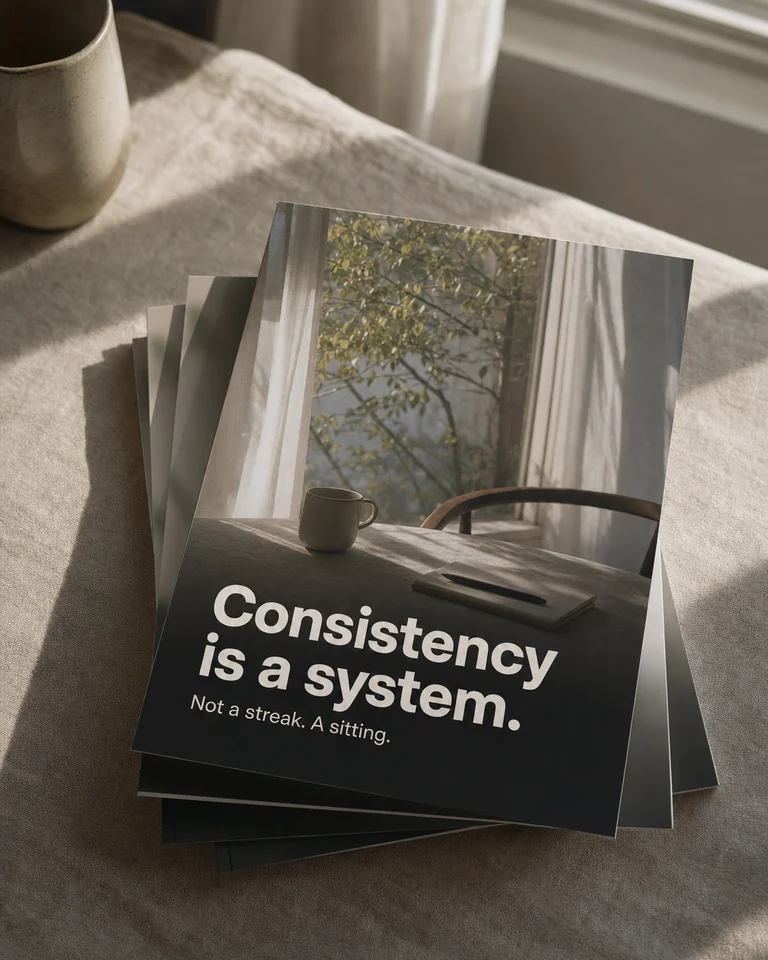
One carousel, eight slides

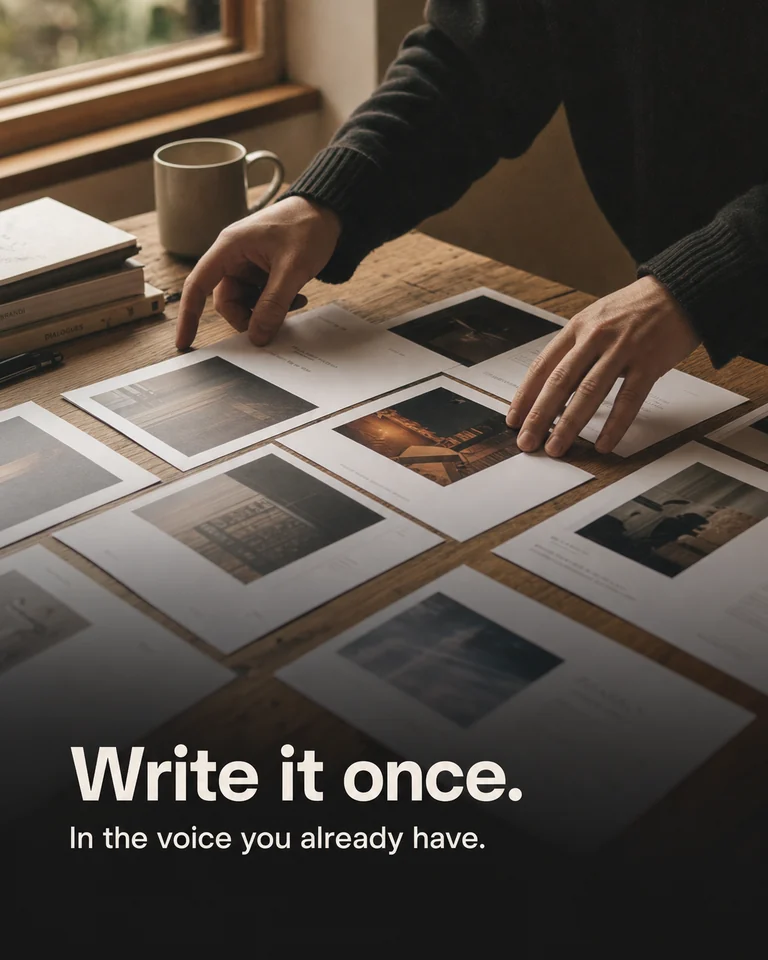
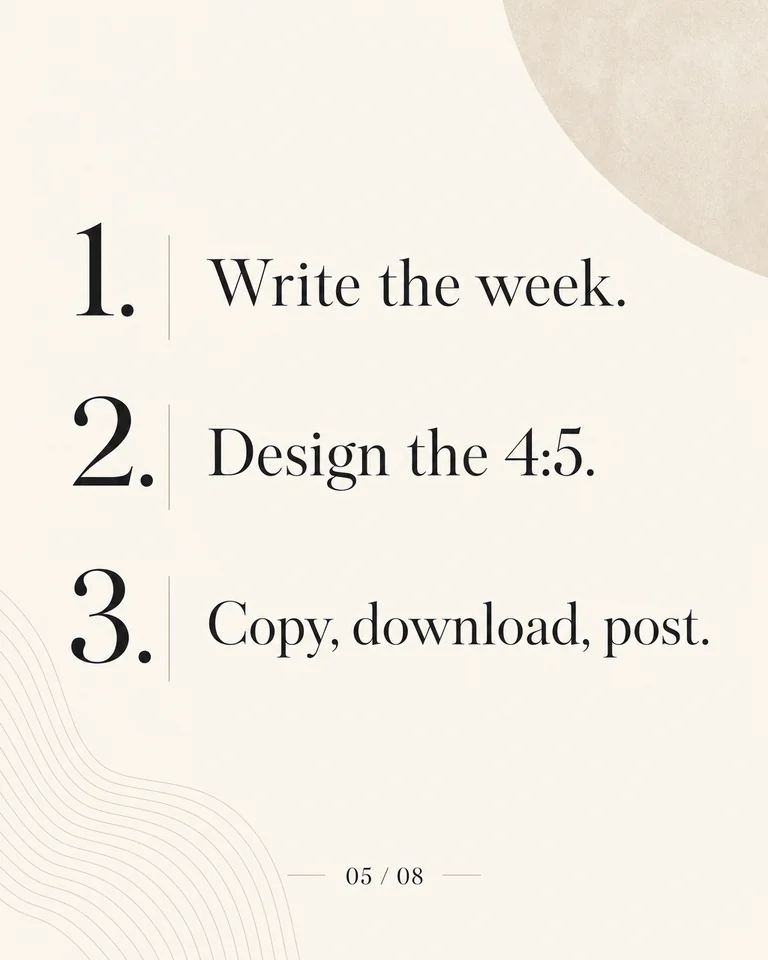
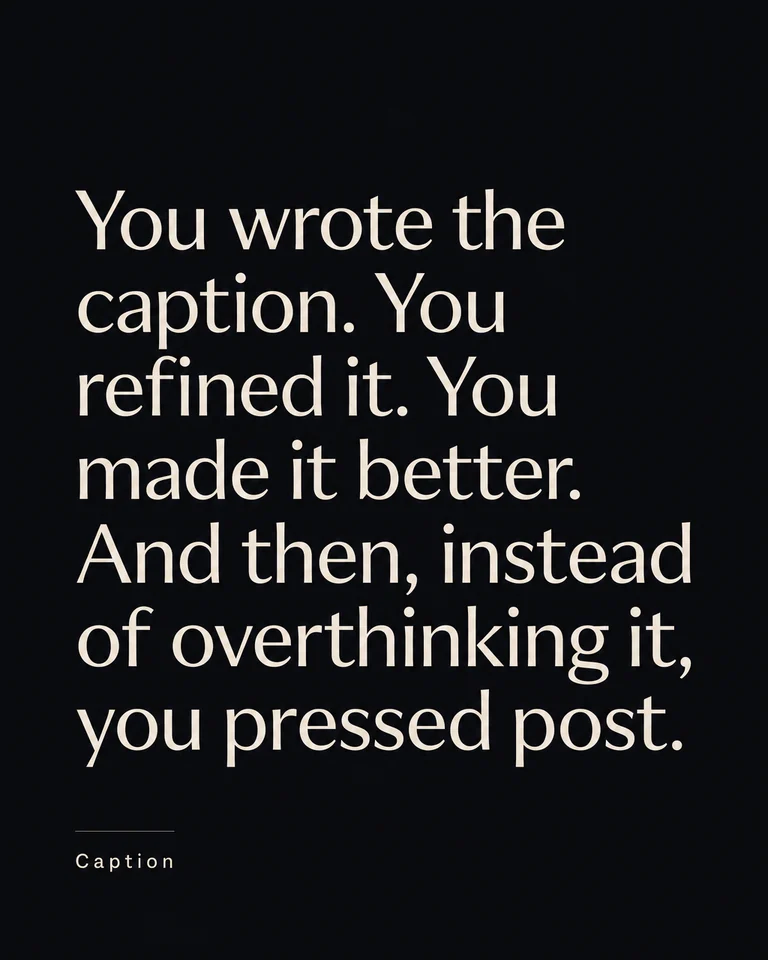
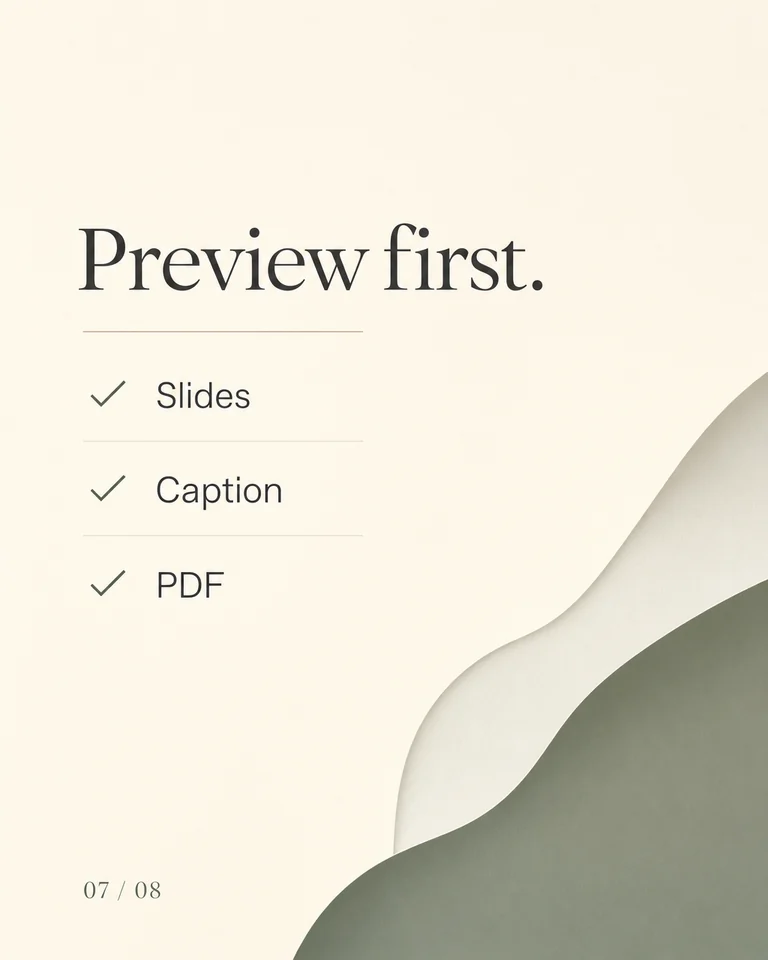

Two products, one voice
Built for the two places long-form actually travels.
A week of posts, written and designed
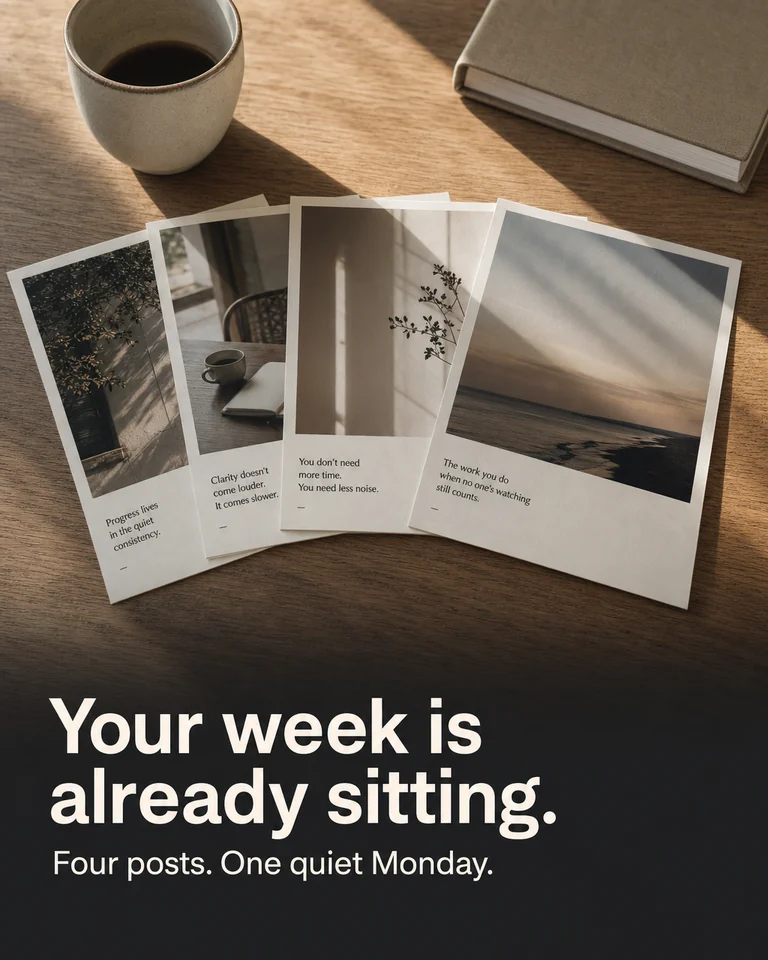
Four posts from one sitting — carousels, infographics and text, in your voice and your brand. Schedule the week on Monday and forget it.
- Carousels and infographics
- Weekly schedule
- Your writing voice
Save-worthy decks from any source
Paste notes, an article or a list. You get a swipeable deck designed in your brand, sized for the feed, ready to post.
- 9–11 slide decks
- Brand palette and type
- Two visual styles
This week
Make your content stand out on LinkedIn.
Carousel
8-slide PDF and PNGs, 4:5, caption on the side.
Text
A post already written in your niche. Copy and paste.
Infographic
One designed header image for the feed.
How it works
Sign in. Set up. Preview.
Enter your email, tell us who you are, then open this week — or Create one carousel.
1
Enter your email.
That’s the account. New here is fine — Continue takes you to set up.
Get started
Start here.
Email
you@company.comContinue2
Set up your voice.
A LinkedIn PDF, a resume, or a short paste. Then this week is written in how you actually sound.
Start
One file. Then this week.
LinkedIn PDFResumePaste3
Preview this week, or Create one.
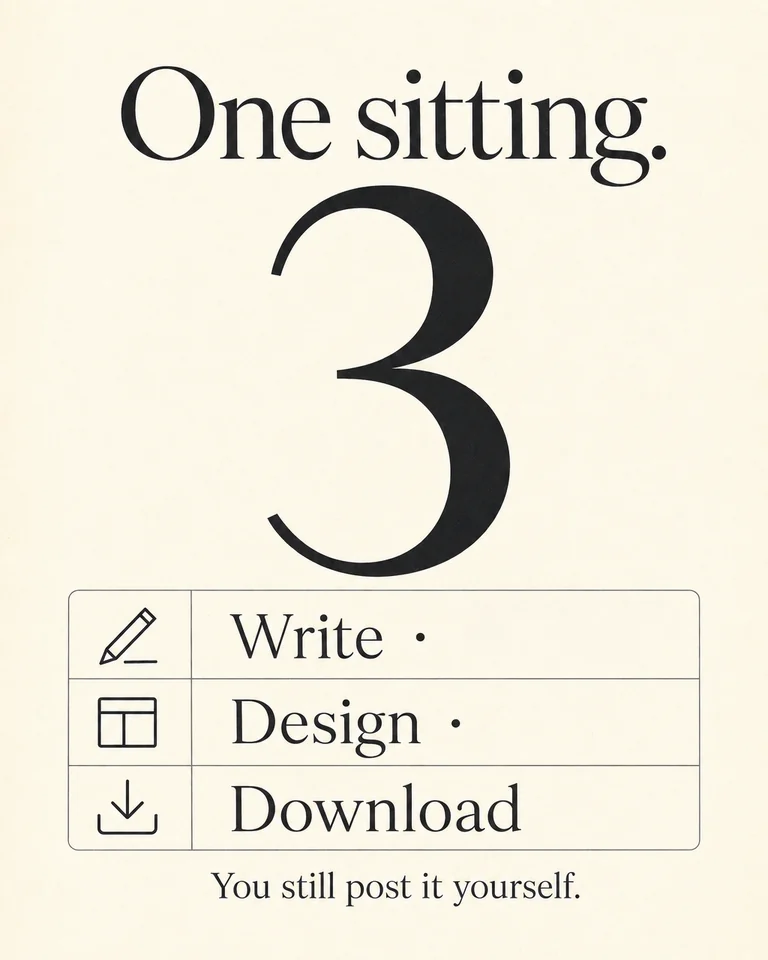
Four posts for the week, or type a topic and get one 8-slide carousel. Copy the caption. Download the PDF. You still post on LinkedIn yourself.
Examples
Formats you can open this week.
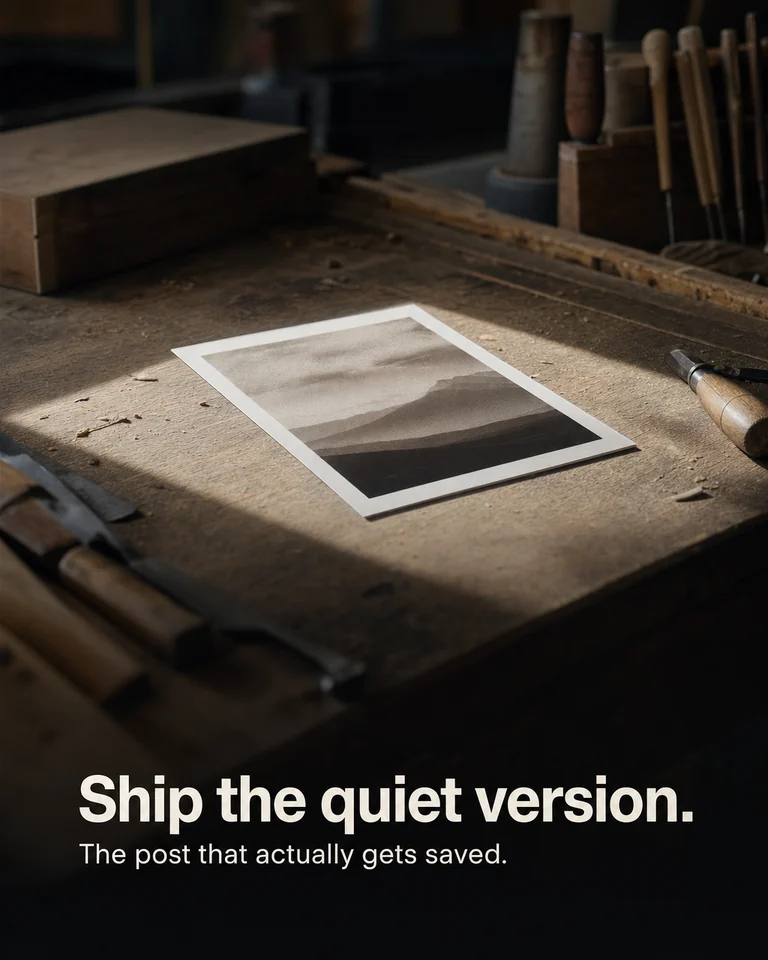
Makers · Carousel
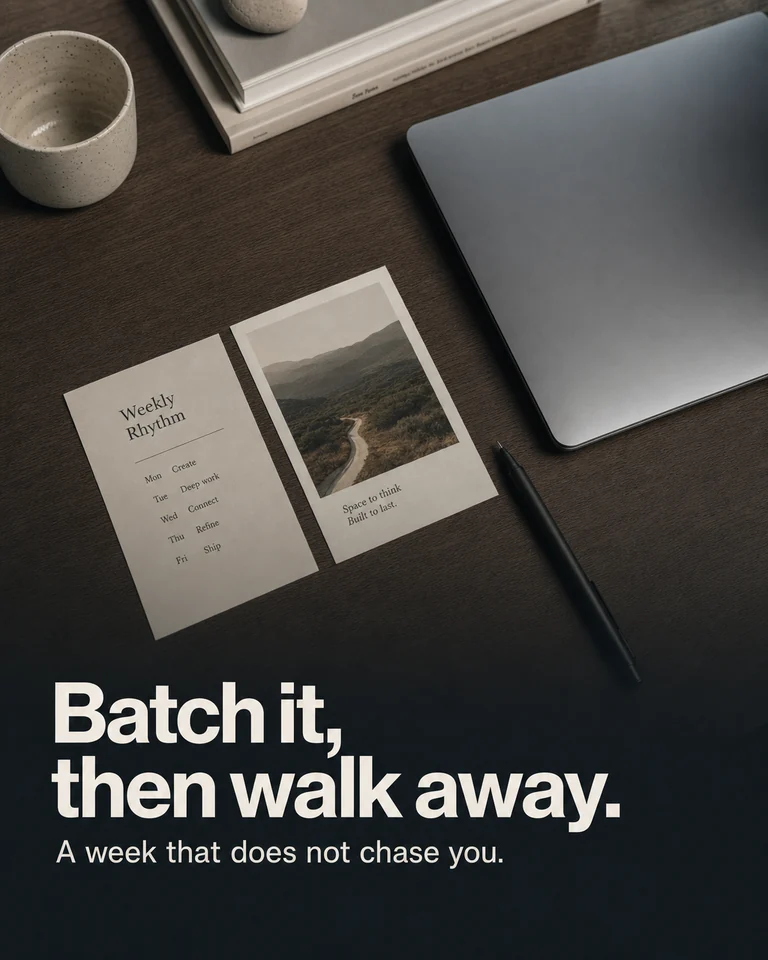
Batch · Carousel
Signal · Carousel

Week · Infographic
Operator · Text
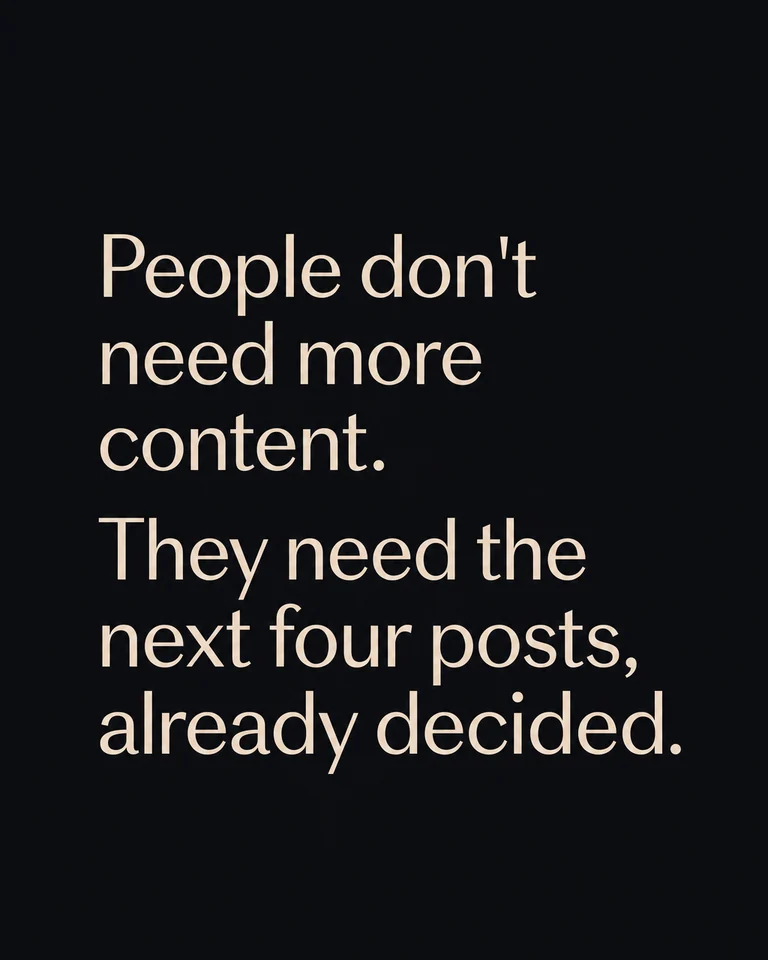
Voice · Text
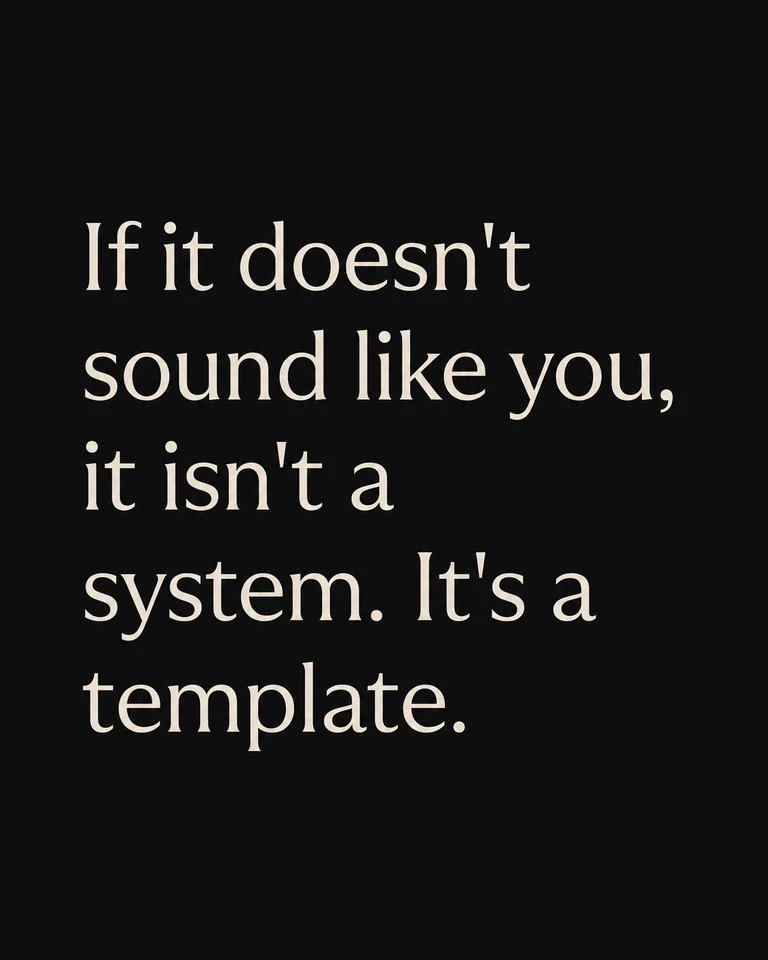
Sitting · Infographic
Monday · Text
Want this week on your account?
Four posts
Text, carousel, and infographic — already laid out for the week.
Your voice
Written from a LinkedIn PDF, a resume, or a short paste.
Ready to post
Caption, PNG slides, and a carousel PDF. Copy and download.
FAQ
Common questions.
Anyone with an email. New here is fine — next you set up your voice with a PDF, resume, or paste.
Four posts — typically text, a carousel (PDF + PNGs), and an infographic — plus captions.
Not yet. Copy the caption and download the PDF or slides.
Keep this tab open. Posts appear as writing then designing then ready.
Your next week of LinkedIn, already waiting.
Your email is the account. New here is fine.